Sometimes there is a need to find which physical NIC is VM connected to in ESXi server. Below i am listing two quick methods to find these. There may be other ways also.
- First method using esxtop. SSH into Esxi server. Then type “esxtop”. Then press ‘n’ to get networking view. In the third column under ‘Team-PNIC’ , you will see vmnic number associated with VM name.
2. Second method is finding World ID number of VM and then finding vmnic details using World ID.
a) World ID of a VM can be find by running command “esxcli vm process list” from SSH session of ESXi.
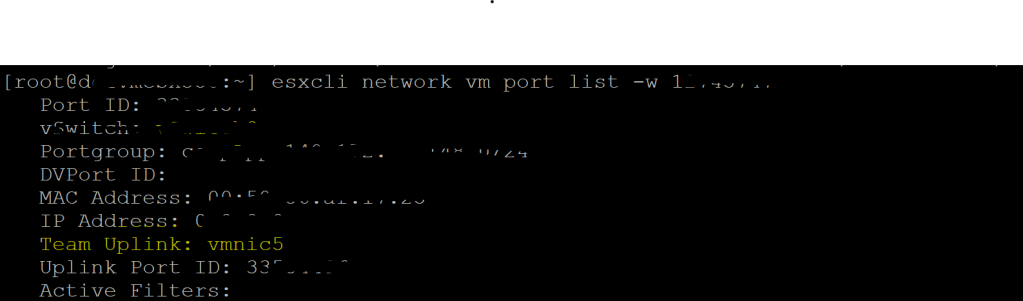
b) Then run the command esxcli network vm port list -w <world id number>. Here world id number is number of VM we want to find vmnic for.
 Virtualization blog